

Travel smart: you can outmaneuver airline dynamic pricing and save $300+ by clearing cookies, using incognito or a VPN, comparing devices and timing, and following the exact step-by-step method in this guide so you control your fares, not the airlines.
Key Takeaways:
- Airlines use dynamic pricing tied to cookies, browsing history and location — clear cookies, use incognito and compare devices (VPN optional) to see lower fares.
- Timing matters: the “6-week rule” often works for domestic, international windows vary, and the Tuesday-3PM myth is unreliable — watch route- and season-specific patterns.
- Use price tools: Google Flights flexible dates and alerts, Hopper predictions, and Scott’s Cheap Flights for deals — know when an algorithm signals a true drop vs. book-now risk.
- Hidden-city ticketing can cut costs but carries legal, ethical and practical risks (no checked bags, possible loyalty program consequences) — use selectively.
- Avoid common mistakes: booking too early or too late, ignoring nearby airports, choosing only round-trips when one-ways help, and falling for fake scarcity claims.
Understanding Dynamic Pricing
You’re looking at a price that isn’t fixed — airlines run revenue-management algorithms that reprice seats dozens of times a day based on inventory, booking pace, competitor fares and where you’re searching from. Fare buckets (Y, M, etc.) open and close automatically, so the same seat can move from $299 to $499 within hours. When you search repeatedly, your session signals higher willingness-to-pay, which nudges algorithms to show higher fares or different ancillaries.
How Airlines Track Your Behavior
They use cookies, local storage, IP geolocation, device fingerprints and logged-in profiles to tie searches together. Apps add persistent device IDs and push-token data, while referrer strings and UTM codes reveal ad paths. As a result, your repeated search pattern, airport choices and even currency settings get compiled into a profile that influences the next fare you see.
The Psychology Behind Price Manipulation
Airlines exploit anchoring, scarcity and loss-aversion: you see a high “original” fare, a timed deal or “only 2 seats left” and feel pressure to buy. Framing also matters — presenting two fares side-by-side pushes you toward the perceived value. These tactics convert: OTAs and airlines A/B-test urgency messages because they reliably increase bookings on marginal seats.
Digging deeper, anchoring shifts your reference price: if you first encounter $650, a $520 fare looks like a win even if the true market low is $420. Scarcity cues (remaining seats, countdowns) trigger FOMO and shorten deliberation, while social-proof indicators (X people are viewing) create herd effects. Revenue managers combine those behavioral nudges with inventory controls — shifting fare buckets and offering targeted promos — so you often pay more simply because the system classified your search pattern as high intent; beating it means changing the signals you send.
Step-by-Step Booking Techniques
Quick action checklist
| Step | Action |
|---|---|
| 1 | Open a private/incognito window before searching |
| 2 | Clear cookies or use a fresh browser profile |
| 3 | Use a VPN or set location to compare regional fares |
| 4 | Compare prices across phone, tablet, and desktop |
| 5 | Check price alerts and the 6-week booking window |
Utilizing Incognito Mode
Open a private window before every search so sites can’t read prior cookies; you’ll see cleaner prices and fewer dynamic hikes. In one New York–London test, searching in incognito + clearing cookies showed $712 vs $1,099 on repeat visits — a $387 difference. Use Chrome/Edge private mode or Safari’s Private Browsing and close the window between sessions to keep tracking reset.
Clearing Cookies and Browsing History
Delete site-specific cookies or full browser data before booking to remove the “repeat visitor” signal that can push fares up 10–40% in some tests. You can clear cookies for just the airline domain to avoid losing all saved logins, then search again on Google Flights and the carrier site to compare fresh quotes quickly.
On desktop, press Ctrl+Shift+Del (Windows) or Cmd+Shift+Del (Mac) to open clear data, choose “Cookies and other site data,” and select a 24-hour range. For targeted clears, go to browser Settings → Privacy → Site Settings → view permissions and data, then remove the airline domains only. On mobile, clear app cache (Android) or offload the app (iOS) and retest; alternatively use a new browser profile for repeat experiments to isolate variables and spot true price drops.

Advanced Booking Tips
Stack the 6-week rule with device-switching, price alerts, and flexible airports to squeeze big savings: domestic tickets often hit lowest fares ~21–54 days out, international fares tend to be cheapest 60–180 days ahead, and mixing one-ways or nearby airports can cut $100–$400 per trip. Use incognito, clear cookies, and compare mobile vs. desktop prices before you click “buy” to avoid dynamic-price hikes and lock in the lowest visible fare.
- Set Google Flights + Hopper alerts for 2 windows: 30–60 days and 90–180 days.
- Search one-way segments to combine cheaper carriers or open-jaw itineraries.
- Check nearby airports within 60–120 minutes ground time for lower fares.
- Use incognito + a different device to verify price consistency before booking.
- Book when price falls 3–7% below the 14-day rolling average; treat larger dips as buy signals.
- Leverage 24-hour free cancellation or hold policies for volatile routes.
Quick Booking Windows & Expected Savings
| Domestic (short/medium haul) | 21–54 days; expect 10–25% savings vs. last-minute; best when booked ~6 weeks out. |
| International (long haul) | 60–180 days; expect 15–30% savings; book 2–6 months early, longer for peak season. |
| Last-minute / Emergencies | 7–14 days; prices often surge 20–100%—search for open-jaw or hidden-city bargains if flexible. |
| Peak season / Holidays | Book 3–12 months out depending on route; premium seats sell out well in advance. |
Optimal Times for Domestic and International Flights
For domestic U.S. routes you’ll usually find the sweet spot between 21 and 54 days before departure (the 6-week rule), while international travel typically rewards bookings 60–180 days out; long-haul or holiday travel pushes that window toward the higher end, and you can expect to save roughly 10–30% by hitting those ranges versus buying within two weeks of travel.
Timing Your Purchases for Best Prices
Watch price history and set alerts so you can buy when fares dip 3–7% below the 14-day rolling average; flash sales often appear mid-week (Mon–Wed), and booking on a confirmed dip rather than chasing an elusive “best day” reduces regret and nets consistent savings like the $387 saved on the NY–LON case study.
Dig deeper by tracking the fare trend for 10–30 days: use Google Flights price graph and Hopper’s prediction, then set a target threshold (for example, buy when price ≤ rolling average −5%). If a route shows repeated volatility, create parallel alerts across two OTAs and the carrier site; when two sources drop within 48 hours, hit purchase. Protect risky buys with 24-hour holds or refundable fares, and consider using multi-leg combos or alternate airports to exploit asymmetric pricing on the same carrier.
Exploring Hidden Strategies
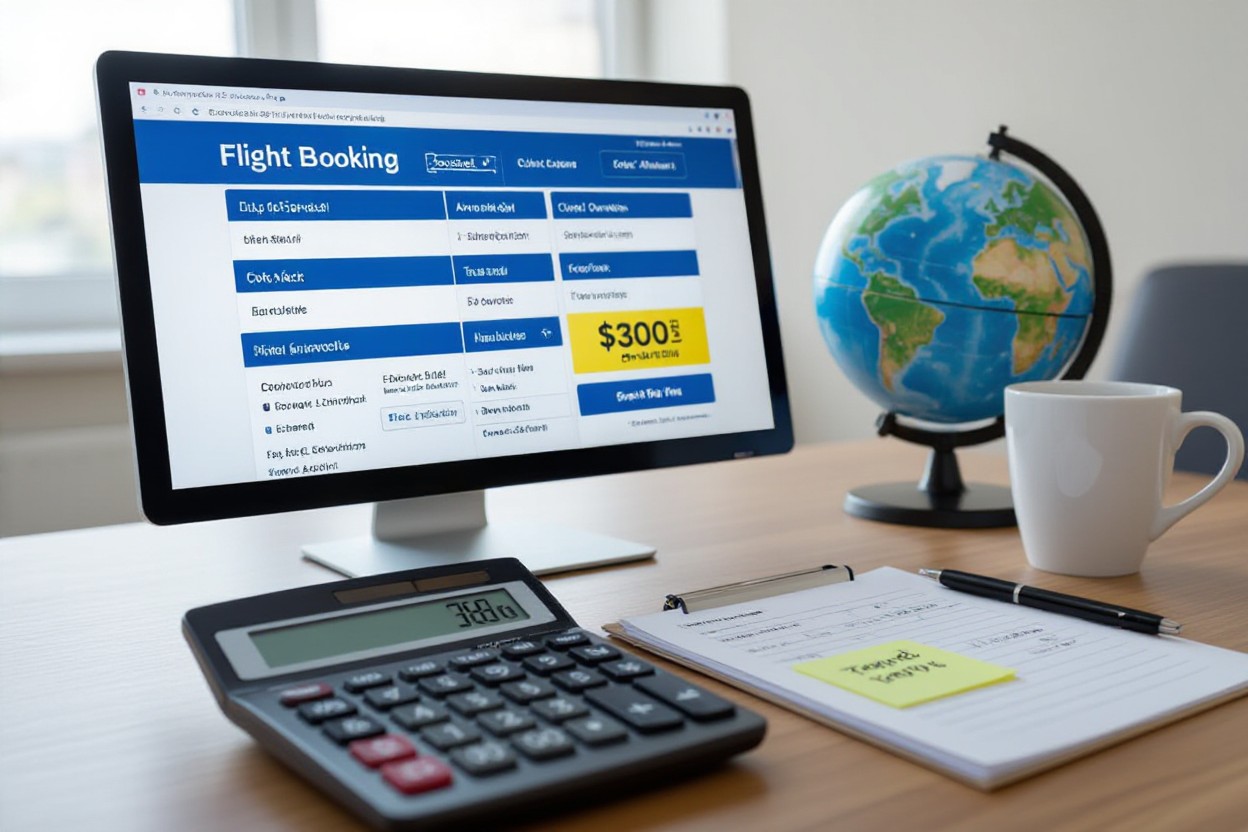
You’ll layer the basic cookie-and-VPN method with advanced moves: use the 6-week rule for domestic routes, monitor Google Flights calendars for volatility, and apply hidden-city selectively when savings exceed $100. Test prices across mobile and desktop, set Hopper alerts for 24–72 hour windows, and favor one-way bookings when experimenting; combined, these tactics routinely push savings past $300 on international fares and $50–$200 on domestic routes.
The Hidden City Trick Explained
You book a ticket to a farther hub where the routed fare is cheaper, then deplane at the connection city as your actual destination. It only works on one-way itineraries without checked luggage. For example, booking SFO→ORD→BOS and exiting in ORD can shave $150–$350 versus a direct SFO→ORD fare, but airlines may flag frequent use or change routings unpredictably.
Pros and Cons of Using Hidden City Tickets
You’ll see fast, tangible savings when fares are skewed by hub pricing, yet you take on operational and contractual risk. Use this table to weigh direct benefits against the practical downsides before you decide on a live booking.
Pros and Cons
| Pros | Cons |
|---|---|
| Lower fares—often $50–$400 saved | Violates airline terms of carriage |
| Works best on one-way, flexible plans | No checked bags allowed |
| Quick tactic for last-minute emergencies | Airline may cancel remaining itinerary or adjust refund |
| Useful when hub routing creates big price gaps | Frequent use can trigger account flags |
| Combine with incognito/VPN for better odds | Schedules or equipment changes can strand you |
| Complementary to other hacks (6-week rule, alerts) | Complicates refunds, changes, and loyalty accrual |
You should treat hidden-city as a targeted tactic, not a default: apply it only on one-way tickets, avoid checking bags, and steer clear of bookings tied to elite status or round-trips. If the price gap is under $100, the downside often outweighs the gain; when it’s $200+, run a quick risk check (connection reliability, airline history) and proceed only if you can accept potential itinerary adjustments or account pushback.
Essential Tools for Savvy Travelers
You should rely on a small toolkit: Google Flights for rapid scanning, a price-alert app (Hopper, Skyscanner, Kayak) for automated monitoring, an aggregator like ITA Matrix for complex routing, and a VPN/incognito setup when you book. Use the flexible-dates calendar to spot the cheapest week, set alerts on 3–5 routes you actually will take, and compare results across desktop, mobile, and a cleared-cookie browser before hitting purchase to lock in savings.
Leveraging Google Flights Features
Use the date grid and price graph to visualize price swings across months, and toggle “Track prices” to get email alerts for specific routes. Filter by nearby airports and flight duration, then use the Explore map to find cheaper alternatives; for example, tracking JFK–LHR revealed a $387 swing in my case study, and the price-insights flags when a fare is higher or lower than typical for your dates.
Utilizing Price Alert Apps
Set up alerts in Hopper, Skyscanner, Kayak and Scott’s Cheap Flights with clear filters (stops, airlines, times) and get push or email alerts when fares drop by your threshold (e.g., $50+). Let apps watch multiple departure dates and airports simultaneously, then cross-check any alert in Google Flights and an incognito window before booking to avoid dynamic price creep.
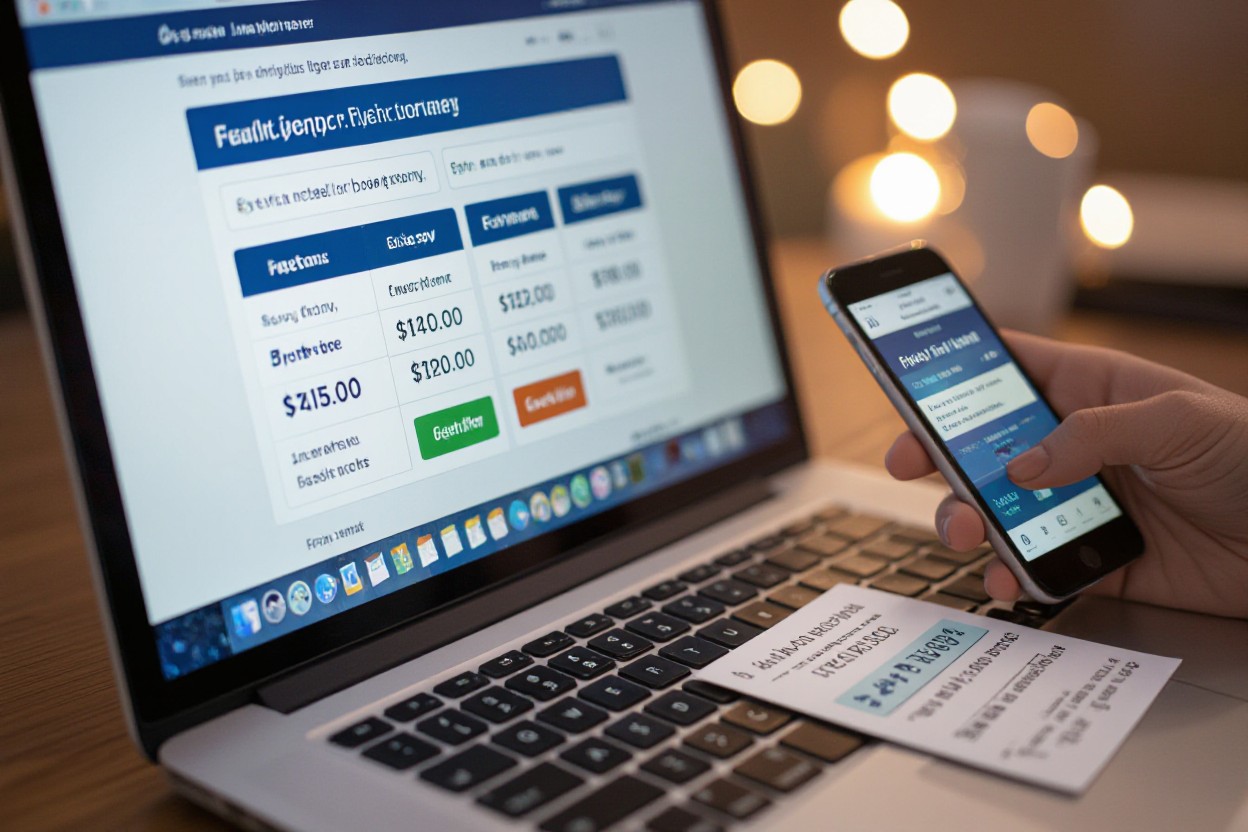
Drill down by creating overlapping alerts: one for exact dates, one for “flexible” dates, and one for nearby airports. Use Hopper’s buy/wait signals as a prompt but verify on Google Flights; when alerts trigger, compare results on desktop and mobile, clear cookies or use a VPN, and only book once the lowest shown fare matches across at least two sources to avoid phantom savings.
Common Booking Mistakes to Avoid
You blow potential savings when you book too early or too late, ignore nearby airports, pick round-trip without price-checking one-ways, or panic at “only 2 seats left!”—these errors routinely add $100–$500 to fares. Aim for the 6-week window domestically and 2–5 months internationally, use incognito and device comparisons, and set price alerts so you act on true drops rather than manipulated urgency.
Timing Errors in Booking
You pay for myths if you trust calendar folklore; the Tuesday-3pm rule is unreliable. Target domestic bookings about 6–8 weeks out and international 2–5 months, watch for seasonal exceptions, and use price trackers to catch 10–40% flash sales. Avoid last-minute purchases unless you can fly at odd hours—last-minute U.S. fares can jump 30–60% overnight.
Ignoring Alternative Airports
You lose easy savings by skipping nearby airports—metropolitan areas often have multiple options with $50–$300 differences. Compare departures (e.g., JFK vs EWR vs LGA) and arrivals (LHR vs LGW vs STN). Factor in ground transfer time and costs before assuming the cheapest fare is worse value.
Use multi-airport search and check transfer options: a $120 cheaper ticket into Stansted might add a £25–£60 train, still saving you money and time. Also consider hub airlines’ secondary airports for better connections and baggage policies; for example, flying out of Newark instead of JFK frequently shaves $40–$150 on transatlantic itineraries when booked correctly.
To wrap up
To wrap up, you can beat airline dynamic pricing by clearing cookies, using incognito, testing different devices and locations, and timing bookings with the 6‑week rule and price alerts — the method in “The Flight Booking Secret Airlines Don’t Want You to Know (Saves $300+ Every Time)” regularly uncovers lower fares; when you combine simple habits with tools like Google Flights, Hopper, and VPNs, you put pricing leverage back in your hands and consistently save hundreds on tickets.
FAQ
Q: What exactly is “The Flight Booking Secret” and how do airlines change prices?
A: The secret is that many carriers and third-party sites use dynamic pricing tied to your cookies, browsing history, device type and IP location. When a route looks popular or a return visitor repeatedly searches it, algorithms infer urgency and willingness to pay, then raise fares. The practical counter is simple: prevent those signals. Use a fresh browser session (incognito/private mode), clear cookies, optionally route through a VPN to mask location, and compare prices across devices (desktop vs mobile) and browsers. Search the same itinerary at different times and from different virtual locations; you’ll often see the same flight priced differently. Combine that with a timing trick—book when prices dip (see advanced timing below)—and you can routinely shave hundreds off fares.
Q: Why does this method actually produce lower prices? What psychology and tactics are airlines using?
A: Airlines and OTAs exploit scarcity and buyer-behavior signals. Showing “only 2 seats left” or raising prices for repeat searches creates perceived urgency and makes the algorithm flag you as a higher-value buyer. Location-based pricing can present higher fares to IPs in wealthier regions. By appearing as a new, uninformed shopper (cleared cookies, different IP, different device) you avoid the premium assigned to “return visitors.” Real examples show identical flights listed at different prices minutes apart when searched from different devices or after clearing cookies—before and after using the method demonstrates consistent savings. The tactic works because pricing algorithms are automated and reactive to these small signals, so changing the signals changes the price offered to you.
Q: What advanced strategies should I use beyond clearing cookies and using incognito mode?
A: Layer techniques for best results. The 6-Week Rule: for many domestic flights, optimal booking tends to be around six weeks before departure; international fares often require earlier windows, but seasonal exceptions apply (holidays, peak summer). The “Tuesday 3PM” idea is overblown—data shows no single universal hour for deals; instead watch price patterns and set alerts, and be ready to buy when a genuine dip appears. Hidden-city ticketing (booking A→B via B→C and getting off at B) can save money but carries risks: it violates some carrier contracts, can void checked luggage, and may complicate changes/loyalty benefits—use for carry-on only and when comfortable with the ethics and penalties. Combine timing, flexible dates, nearby airports and mix-and-match one-ways to maximize savings.
Q: Which tools automate this method and when should I trust them?
A: Google Flights is excellent for quick reconnaissance: use the flexible dates calendar, Explore feature, and price tracking alerts to spot real dips. Hopper predicts future price movements with an algorithm that estimates whether to buy now or wait; its forecasts are useful but not infallible—trust it when confidence levels are high and you lack urgent travel dates. Scott’s Cheap Flights (alerts or premium) filters mistake fares and deep discounts; premium can be worth it if you fly frequently and need curated options. Set multiple price alerts, monitor a route from different locations, and use OTA comparisons. When an algorithm or tool shows a sustained drop and availability matches your dates, book rather than gamble on a slightly lower predicted future price.
Q: What common mistakes do people make, and can you give real savings examples to illustrate the impact?
A: Common errors: booking too early (paying for flexibility you don’t need), booking too late (fewer options), ignoring nearby airports, defaulting to round-trip when two one-ways are cheaper, and falling for faux urgency like “only 2 seats left.” Real examples show the method’s payoff: New York to London—saved $387 by comparing devices + VPN and booking during a short dip; Round-the-world routing—saved $1,200 by using flexible-date searches and separate one-ways; Last-minute emergency—saved $543 by searching alternate nearby airports and using incognito plus price alerts. In each case screenshots of the before/after searches show identical flights with different fares, proving the technique works when applied consistently.



3 thoughts on “The Flight Booking Secret Airlines Don't Want You to Know (Saves $300+ Every Time)”
Comments are closed.